

Introduction
In the fast-paced world of modern business, efficiency and speed are critical. Companies are increasingly turning to AI automation tools to streamline repetitive tasks, reduce delays, and improve team collaboration. Unlike traditional automation, AI-driven tools can analyze data, learn from patterns, and optimize workflows, making them smarter and more adaptive.
Businesses that adopt AI automation gain competitive advantages in productivity, cost savings, and decision-making.
According to Google Search Central, automation helps improve efficiency and scalability in digital systems.
What Are AI Automation Tools?
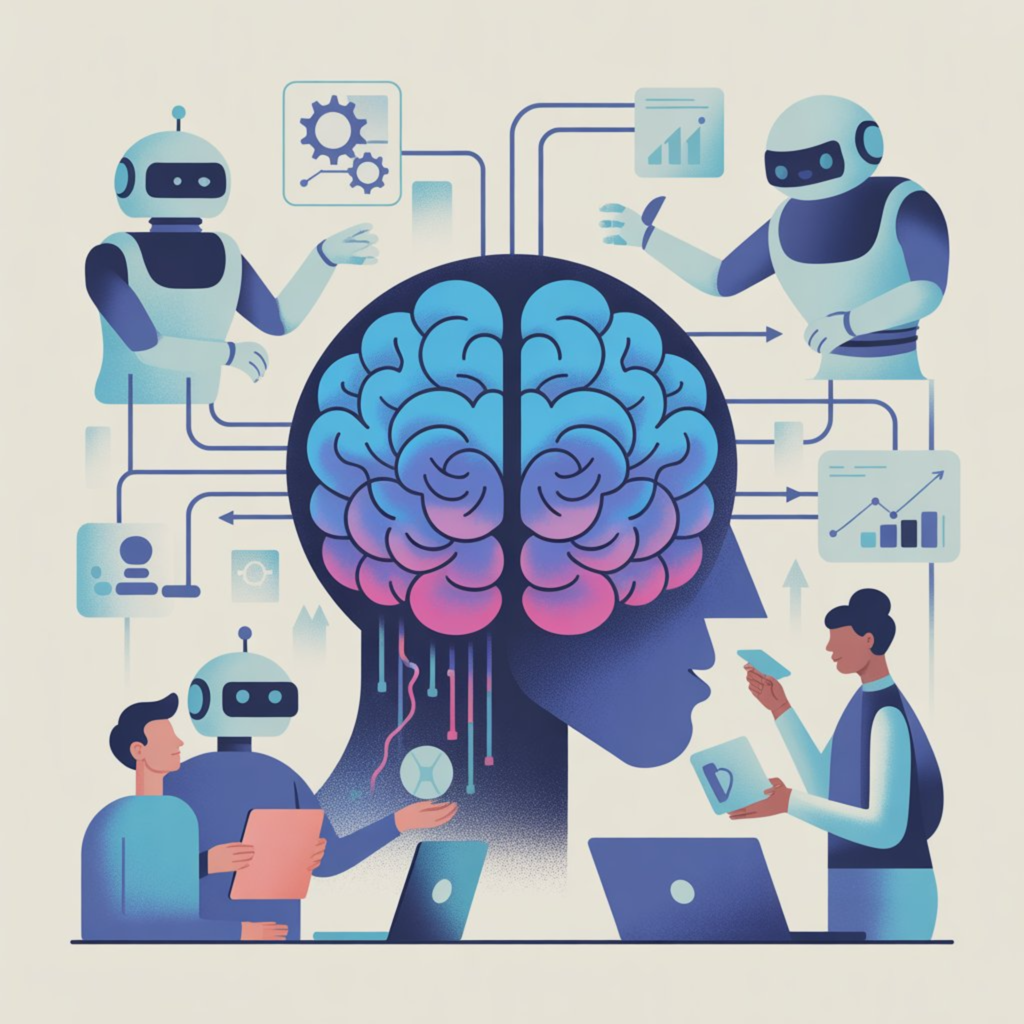
AI automation tools are software platforms that combine artificial intelligence, machine learning, and workflow automation to handle tasks automatically. Unlike traditional tools, AI-powered automation can:
- Analyze patterns in workflows
- Predict bottlenecks
- Automatically prioritize tasks
- Provide actionable insights for process improvement
Key Features:
- Intelligent task routing
- Automatic notifications and reminders
- Real-time workflow tracking
- Predictive analytics for delays
- AI automation enables businesses to reduce manual work and streamline repetitive tasks using intelligent tools.
Why Businesses Need AI Automation Tools

Manual processes often lead to delays, errors, and inefficiency. AI automation tools address these problems by:
1. Ensuring Workflow Continuity
Tasks are automatically routed to the right team member, preventing delays.
2. Faster Approvals
AI can track pending approvals and send automatic reminders to decision-makers.
3. Enhanced Transparency
Managers can view task ownership, completion status, and timelines in real-time.
4. Reducing Human Errors
Automated workflows validate inputs and reduce mistakes in data processing.
5. Scalability
AI tools maintain consistent workflows even as organizations expand.
6. Employee Focus
Teams can focus on strategic initiatives instead of repetitive follow-ups.
Types of AI Automation Tools
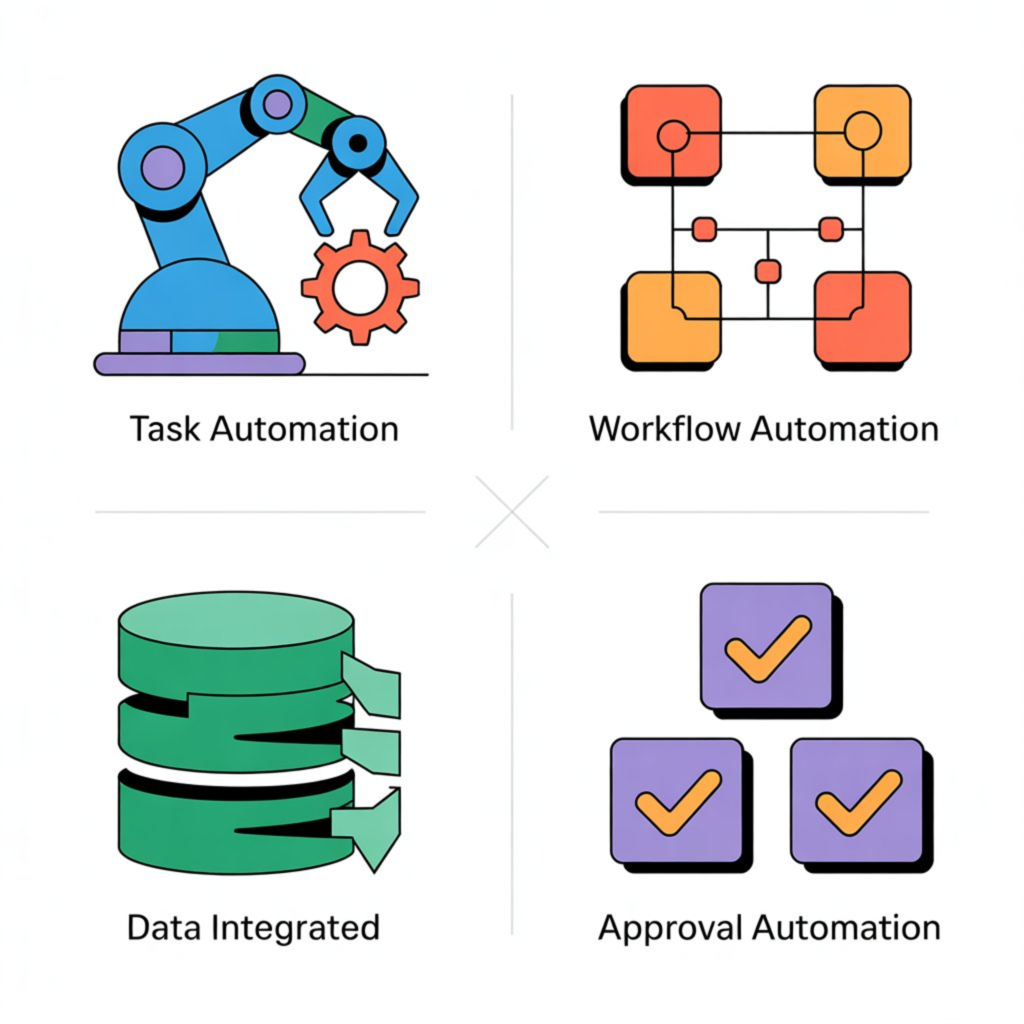
| Type | Purpose | Use Cases |
|---|---|---|
| Task Automation | Automates repetitive tasks | Sending reminders, notifications |
| Workflow Automation | Moves tasks across teams | Purchase approvals, onboarding processes |
| Data Integration Automation | Syncs data across systems | ERP-CRM data sync, reporting |
| Approval Automation | Ensures timely approvals | Budget approvals, contracts |
Top AI Automation Tools in 2026
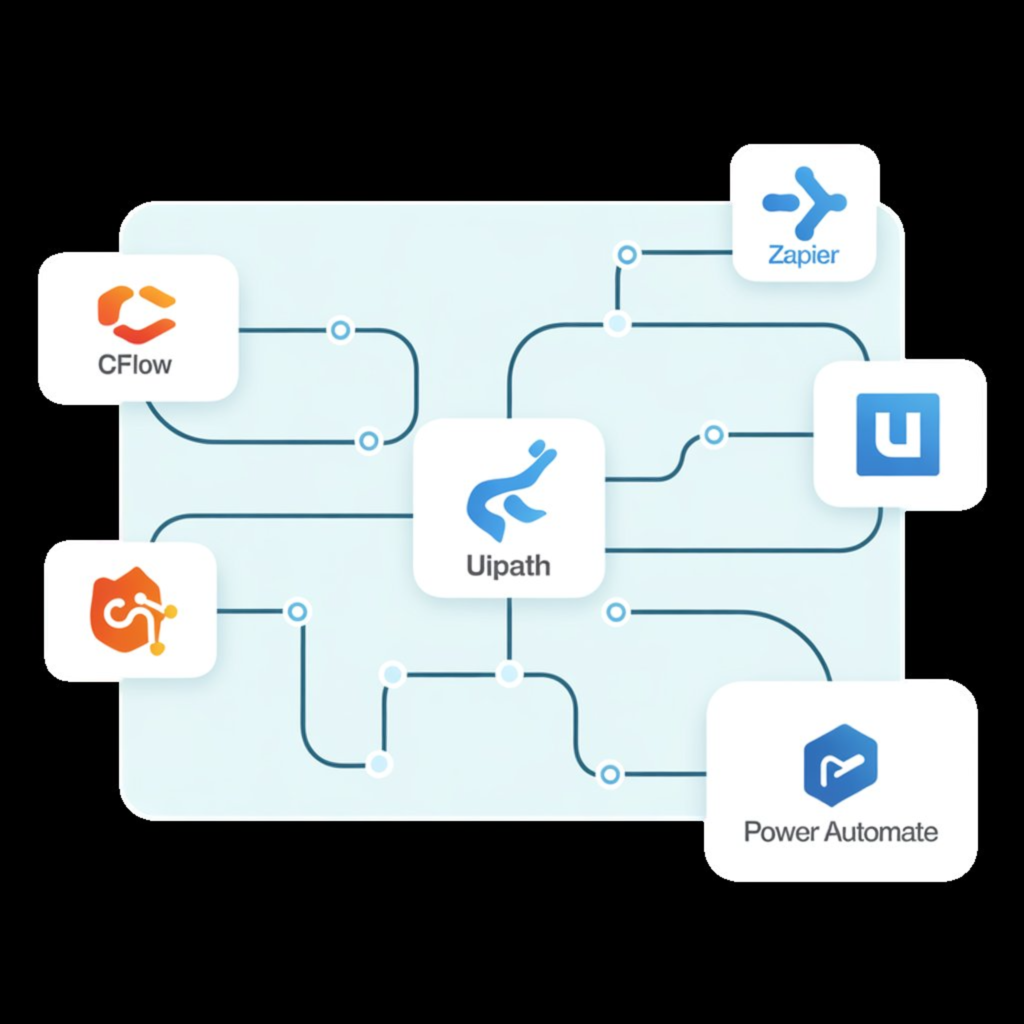
- Cflow – Best for workflow and approval automation across departments.
- Zapier – Connects apps and automates repetitive tasks without coding.
- UiPath – Enterprise-grade robotic process automation (RPA).
- Make (Integromat) – Build complex, multi-step workflows easily.
- Workato – Enables cross-team automation in large organizations.
- Power Automate – Integrates smoothly with Microsoft Office 365 tools.
- Automation Anywhere – High-end RPA solution for large-scale operations.
- Airtable – Simple workflow automation for small teams and startups.
- Parabola – Automates data processing tasks for operational efficiency.
- ServiceNow is an AI-powered automation platform designed to streamline IT service management, approvals, and enterprise workflows across large organizations.
Benefits of AI Automation Tools
- Time-saving: Reduce hours spent on manual follow-ups and repetitive tasks.
- Consistency: Standardized workflows with fewer errors.
- Transparency: Track task status and completion in real-time.
- Efficiency: Tasks automatically routed to the right person.
- Scalability: Systems grow with your business without extra effort.
- Employee satisfaction: Teams focus on high-value work instead of mundane tasks.
Real-World Use Cases
1. Finance and Procurement Approvals
Automate purchase orders, invoice approvals, and budget tracking.
Benefits: Faster approvals, fewer errors, full audit trail.
2. HR Onboarding
Automates employee document collection, system access, and training schedules.
3. IT Service Management
Tracks software installations, access approvals, and incident reports.
4. Operations and Project Management
Ensures multi-team workflows run smoothly with automatic escalations.
5. Customer Support Automation
AI assigns tickets based on priority and agent availability, improving SLA compliance
How to Choose the Right AI Automation Tool

- Customization: Can workflows be tailored to business needs?
- Visibility: Are pending approvals and tasks trackable?
- Integration: Does it connect with existing software (ERP, CRM, HR systems)?
- Ease of Use: Can non-technical staff manage workflows easily?
- AI Assistance vs. Decision-Making: AI should assist but not replace humans in key decisions.
Features to Look For
Microsoft highlights that AI-driven automation is transforming how modern businesses operate.
- Multi-level approval automation
- Custom workflow templates
- Real-time dashboards
- Cloud-based access with mobile compatibility
- Predictive alerts for delays and exceptions
- Audit trails for compliance
- Integration with third-party apps
FAQs
Q1. Will AI automation replace humans?
No. AI tools assist with repetitive tasks but humans make strategic decisions.
Q2. Which departments benefit most?
Finance, HR, IT, operations, and procurement teams.
Q3. How easy is implementation?
Tools like Cflow and Airtable are user-friendly and require minimal training.
Q4. How can businesses measure ROI?
- Reduced task completion time
- Improved SLA compliance
- Fewer errors
- Increased employee productivity
Conclusion
AI automation tools are no longer optional—they are essential for modern businesses. From faster approvals to seamless workflows, these tools enhance efficiency, reduce errors, and support organizational growth. Businesses that invest in AI workflow software can boost productivity, improve transparency, and give employees more time for strategic work.
If you are new to this concept, it is important to understand the basics before exploring advanced tools in AI automation for beginners.