
Introduction: Why Cybersecurity Matters More Than Ever
How to protect yourself from hackers is one of the most important concerns in today’s digital world. With increasing cyber attacks, it has become essential to understand how to stay safe online and protect your personal data from cyber threats.
The internet has become an essential part of our daily lives. From online banking to social media and remote work, everything is connected. But with this convenience comes a serious risk—cyber attacks.
Hackers are no longer just targeting big corporations. Today, students, freelancers, and everyday internet users are equally at risk. One weak password or one wrong click can expose your private data, financial information, and even your identity.
According to cybersecurity experts, online threats are increasing every year, making digital safety more important than ever. You can learn more about this from trusted sources like the Cybersecurity & Infrastructure Security Agency.
This guide will walk you through practical, real-world strategies to protect yourself from hackers—even if you’re not a technical expert.
As the digital world evolves, the risks also grow alongside the future of technology, making cybersecurity more important than ever.
Understanding Hackers: How They Actually Attack You
Before you protect yourself, you need to understand how hackers think.
Many modern cyber attacks now use AI-based techniques. If you want to understand how automation works, check out this guide on AI automation for beginners.
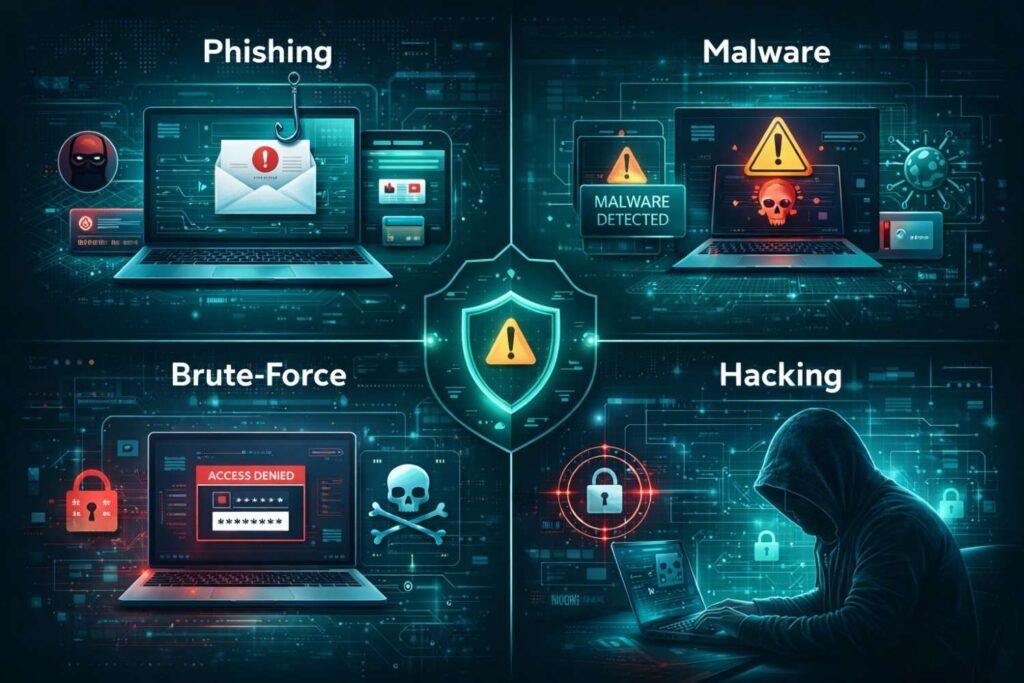
1. Phishing Attacks
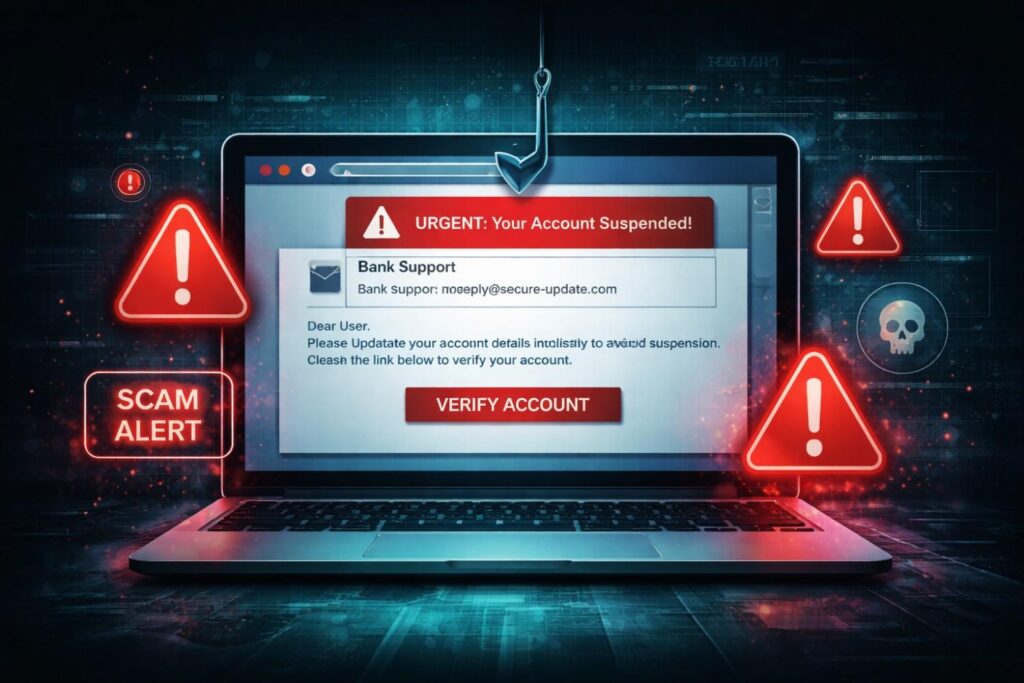
Hackers send fake emails or messages pretending to be trusted platforms.
Hackers often use fake messages and AI-generated content to trick users. Learn more about how AI content works and how it can be misused.
Example:
- “Your account will be suspended. Click here to verify.”
👉 Once you click, they steal your login details.
Phishing is one of the most common hacking methods used today. Attackers trick users into sharing sensitive information through fake emails and websites. You can explore detailed examples and prevention tips on Kaspersky’s cybersecurity resource center.
2. Malware & Spyware
Malicious software enters your device through:
- Fake apps
- Cracked software
- Suspicious downloads
👉 It can track your activity, steal passwords, or even control your device.
Antivirus software plays a critical role in detecting and preventing malware attacks. For a deeper understanding, you can check Norton’s guide on cybersecurity and malware protection.
3. Brute Force Attacks
Hackers use automated tools to guess your password.
👉 Weak passwords = instant access.
4. Public Wi-Fi Attacks
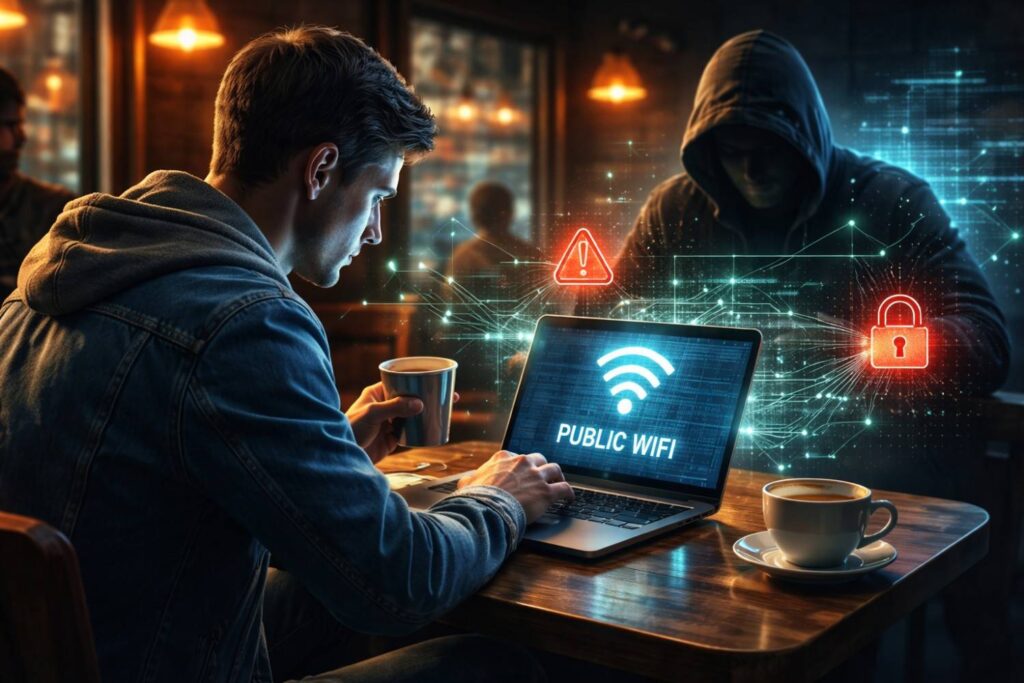
Hackers create fake Wi-Fi networks or monitor unsecured connections.
👉 Your data (passwords, banking info) can be intercepted.
5. Social Engineering
Instead of hacking systems, hackers manipulate you.
Example:
- Pretending to be customer support
- Asking for OTP codes
👉 This is one of the most dangerous techniques.
Advanced AI detection tools like DeepSeek detect are now being used to identify suspicious activities and prevent cyber attacks.
1. Create Strong Passwords (Your First Defense Layer)
A weak password is like leaving your door unlocked.
Creating strong passwords is essential to prevent unauthorized access. For official password security guidelines, you can refer to the National Institute of Standards and Technology (NIST).
Best Practices:
- Minimum 12–16 characters
- Mix letters, numbers, symbols
- Avoid common words or patterns
Advanced Tip:
Use passphrases instead of passwords:
👉 BlueTiger$Runs@Night2026
✔ Easier to remember
✔ Harder to crack
2. Use a Password Manager (Game-Changer)
Remembering multiple strong passwords is difficult.
A password manager:
- Stores all passwords securely
- Generates strong passwords
- Autofills login details
👉 This eliminates the risk of reusing passwords.
3. Enable Two-Factor Authentication (2FA)
This is one of the most powerful security steps.
Even if a hacker gets your password:
- They still need a second code (OTP/app)
Types of 2FA:
- SMS codes
- Authenticator apps
- Biometric verification
👉 Always enable 2FA on:
- Banking apps
- Social media
4. Keep Your Devices Updated (Critical Step)
Outdated software = open door for hackers.
Why updates matter:
- Fix security bugs
- Improve protection systems
👉 Turn on automatic updates for:
- Mobile phones
- Laptops
- Apps
5. Avoid Suspicious Links & Downloads
This is where most people fail.
Warning Signs:
- Urgent messages
- Unknown senders
- Fake offers (“Win $1000!”)
Safe Behavior:
- Never click unknown links
- Verify website URLs
- Avoid downloading cracked software
👉 One wrong click = full system compromise.
6. Secure Your Internet Connection
Public Wi-Fi Risks:
- Data interception
- Fake networks
Protection Methods:
- Use a VPN (Virtual Private Network)
- Avoid logging into bank accounts on public Wi-Fi
- Turn off auto-connect
7. Install Antivirus & Firewall Protection
Think of antivirus as your digital security guard.
It protects against:
- Malware
- Ransomware
- Spyware
👉 Recommended actions:
- Install trusted antivirus
- Run weekly scans
- Keep virus definitions updated
8. Limit Your Online Exposure
The more you share, the easier it is to hack you.
Avoid sharing:
- Phone number
- Location
- Personal details
- Travel plans
👉 Hackers use this for:
Identity theft + account recovery attacks
9. Backup Your Data (Your Safety Net)
Even if everything fails, backups save you.
Backup Options:
- Cloud storage
- External hard drives
👉 Follow the 3-2-1 rule:
- 3 copies of data
- 2 different storage types
- 1 offsite backup
10. Monitor Your Digital Activity
Always stay alert.
Check regularly:
- Login alerts
- Bank transactions
- Email activity
👉 Early detection = less damage.
11. Advanced Protection Strategies (Pro Level)
If you want maximum security:
✔ Use Different Emails
- One for banking
- One for social media
✔ Use Hardware Security Keys
- Physical authentication devices
✔ Encrypt Your Data
- Protect sensitive files
Real-Life Example
Imagine:
You connect to free Wi-Fi in a café.
You log into your bank account.
👉 A hacker on the same network captures your login data.
Result:
- Money stolen
- Account compromised
This happens daily.
Benefits of Cybersecurity Awareness
✔ Protects your identity
✔ Secures your finances
✔ Prevents data loss
✔ Builds digital confidence
✔ Reduces stress
Common Mistakes People Make
❌ Using same password everywhere
❌ Ignoring software updates
❌ Clicking fake links
❌ Sharing OTP codes
❌ Using public Wi-Fi without protection
Conclusion: Stay Smart, Stay Safe
Cybersecurity is not just for experts—it’s for everyone.
Hackers always look for the easiest target. By following the strategies in this guide, you make yourself a hard target, which forces attackers to move on.
👉 Your safety is in your hands.
Start today. Stay protected.
Staying informed and aware is the best defense against cyber threats. For more expert advice and updates, you can visit trusted platforms like CISA’s cybersecurity resource hub.
FAQs
1. Can hackers access my phone remotely?
Yes, through malicious apps or phishing links.
2. What is the safest way to browse the internet?
Use HTTPS websites, VPN, and avoid unknown links.
3. How do hackers steal passwords?
Through phishing, malware, and weak passwords.
4. Is antivirus enough?
No. You also need awareness and safe behavior.
5. What should I do if I get hacked?
- Change passwords immediately
- Enable 2FA
- Scan device
- Contact support